Tutorial
Installing a satellite beacon on a motorcycle or bicycle
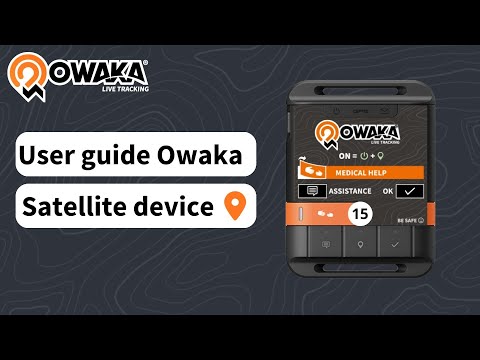
This video shows you how to install your Owaka satellite beacon on your motorcycle or bicycle.
- You must leave the right or left-hand side of your handlebars free for the installation of your beacon. - Place the self-adhesive Velcro directly on the handlebar where you want the beacon to be. - Then take the beacon and secure it with the strap provided. - Fasten the strap around the handlebars to ensure you never lose your Owaka beacon. - Position the beacon on the Velcro, making sure it faces the sky. - Secure the beacon with the ball rubber band, so that it doesn't move from its place on the velcro. Don't hesitate to contact us if you have any questions.